
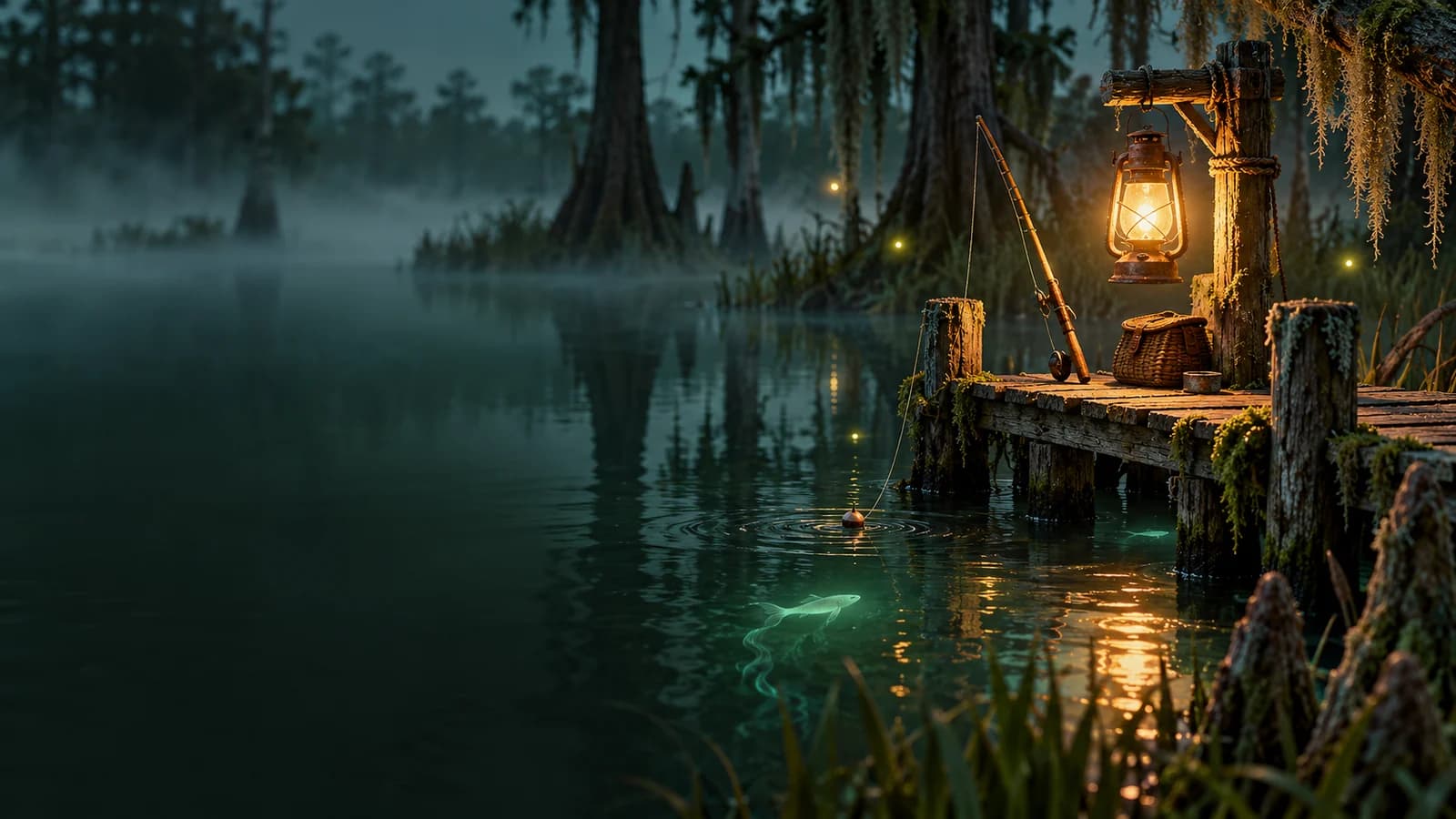
For Voodoo Fishing all fish tracking, start with the in-game Journal: read a target's habitat, match its depth and bait preferences, then record the catch. The reviewed developer sources do not provide a complete species roster or per-fish spawn coordinates. This guide therefore gives a source-backed collection method and the confirmed 1.0 additions: 12 fish across Flattus Lopsidedus and Murkus Squintii.
The Journal and tackle explanations below come from the developer's March guides, read alongside later official updates through October 19, 2026. They provide a practical search framework; this page is not a playtested location database.
01
Open the Journal wherever you are fishing
Press J to open the Journal anywhere. The April Journal update supersedes the older instruction to return to the dock bookshelf.
The developer's Journal guide describes these fields:
| Journal information | Use while collecting |
|---|---|
| Rarity | Check whether your bait can target the fish |
| Catch count | Distinguish a first catch from a repeat |
| Largest catch | Track improvements after finding the species |
| Fight stats | Review the fish's recorded fighting characteristics |
| Depth | Choose a reel covering an appropriate water zone |
| Bait preferences | Compare the target's tags with available bait |
| Habitat clues | Decide which kinds of locations to investigate |
Treat catch count and largest catch as different goals. Finding a species and improving its record deserve separate marks in your notes.
02
Build a target plan from three clues
A productive search connects habitat, depth, and bait tags. Copy those three pieces of information from the same Journal entry before leaving to hunt a fish. Choosing a familiar bait without checking the other fields can leave you working the wrong kind of water.
Use a short plan such as: find a location matching this habitat clue, use a reel covering this listed depth, and equip the best available tag match. This is a planning template, so fill it with the wording from your own Journal rather than assumed fish preferences.
Keep the three checks visible in a note. If you catch something else, you can compare that result with the original plan instead of repeatedly rebuilding your setup from memory. The map guide covers navigation; your collection note should stay focused on the target and the evidence behind each attempt.
03
Match a listed depth before widening the search
The developer's tackle guide describes Top, Pelagic, and Bottom depth zones, with Pelagic meaning mid-water. Reels determine depth coverage as well as line length, and some reels cover several zones.
When a Journal entry lists Top and Pelagic, either listed zone can work. A reel covering both broadens the pool of fish you can encounter; it does not make the target certain to bite. Read multiple depth labels as usable alternatives rather than a requirement to reach both simultaneously.
For collection notes, record the reel coverage you actually used. A successful catch on a broad reel establishes that the setup worked, but it does not establish one exact depth for the species. See the rods and reels guide when choosing equipment around a target's entry.
04
Use bait tags to improve targeting
Matching more of a target's bait tags improves the chance of hooking it, according to the Journal guide. A perfect tag match is unnecessary. That makes a partial match useful when it also fits the fish's other requirements.
Rarity needs its own check. Ordinary bait rarity limits the fish rarity that can bite, while higher-rarity ordinary bait can still attract lower-rarity fish. Enchanted bait targets its tuned rarity, and Voodoo-tier fish require Voodoo bait. These are the developer's targeting rules, not published catch percentages.
In your checklist, separate “bait can reach this rarity” from “bait matches these preferences.” You can then see whether an attempt used a suitable setup or was simply an experiment. The bait guide covers that equipment choice in more detail.
05
Understand what every Dock guarantees
The August population update guarantees at least one of every fish species somewhere in each Dock. The scale matters: it is a Dock-wide guarantee, not a promise that every water patch contains every fish.
Use that rule to guide a search across appropriate habitats. A quiet patch does not establish that the entire Dock lacks your target, and repeatedly fishing one convenient location does not test the whole guarantee.
The developer's Journal guide recommends checking several locations that match the habitat clues. Keep a list of those you have actually investigated. Mark “searched with matching setup” separately from “caught here,” so a promising location does not become a supposed confirmed spawn in your personal notes. The official statement also does not give an exact coordinate or a guaranteed next catch.
06
Watch ambient fish for local depletion
Visible ambient fish are useful population information. The July swamp update says they represent the local fish population and disappear when an area is fished out.
Before repeating a long sequence of casts, look at the water again. If the visible fish have disappeared, record the area as depleted and decide whether to move or replenish it.
Avoid turning an ambient sighting into a species identification unless you have confirmed the catch. For a collection log, “population visible” is a useful observation on its own. “Target species confirmed” should follow an actual catch.
07
Decide when to use chum
The Chum Bucket turns fish into chum, and throwing that chum into water restocks fishing areas. This is a confirmed mechanic from the Dock Quotas update.
Chum is useful when you want to continue working a habitat after local depletion. Before converting a fish, check whether you still need it for your current delivery or selling plan. Collection progress and the use of a carried fish are separate decisions.
Record replenishment in your notes so you can distinguish an initial search from a restocked attempt. The announcement does not publish a guaranteed target species, replenishment quantity, or catch rate for chum. Continue matching the Journal entry after restocking; replenishing an area does not replace habitat, depth, or bait selection.
08
Track the confirmed 1.0 additions correctly
The October 13 launch announcement confirms 12 new fish across two families:
| Confirmed family | What the launch source establishes |
|---|---|
| Flattus Lopsidedus | One of the two families receiving the new fish |
| Murkus Squintii | The other family receiving the new fish |
Twelve is the number added with 1.0, not the total number of fish in Voodoo Fishin'. The reviewed evidence does not establish the full variant list, the split between these families, or individual catch locations.
Add the family names as headings in your collection notes, then copy individual names from your Journal as you verify them. This gives you a usable way to track the expansion without filling missing slots with guessed names or treating an old roster as complete.
09
Keep a collection checklist that survives repeat catches
Give each verified species one row. Record its displayed name, catch count, largest catch, habitat clue, depth, bait tags, and a successful setup. Keep your own location observations in a separate column so they remain distinguishable from Journal information.
For each outing, choose an uncaught target and work through this sequence:
- Read its Journal entry and write the three search clues.
- Check your reel coverage and bait eligibility.
- Try several matching locations, noting local population.
- Replenish a depleted area or continue to another candidate.
- Record the result, including repeat species and useful setup changes.
Junk can also inform that record: the Junk Shop update says junk follows depth preferences, and some junk indicates local habitat. Record what happened without treating it as proof of a particular fish spawn. Your next collection decision should follow the strongest clue you actually have.